
Mullvad VPN
Mullvad VPN is a privacy-focused VPN provider whose open-source Windows app connects to its servers using an anonymous account number instead of an email.
Windows
Open source

Surfshark is a VPN service; its Windows app encrypts your connection and hides your IP address. This page covers version 6.19.0.999.
Average 0.0 · ratings: 0
Thank you! Your rating is saved; you can change it. Could not save the rating. Please try again later. Too many ratings from your network today. Please try again tomorrow. The average appears after 5 ratings.
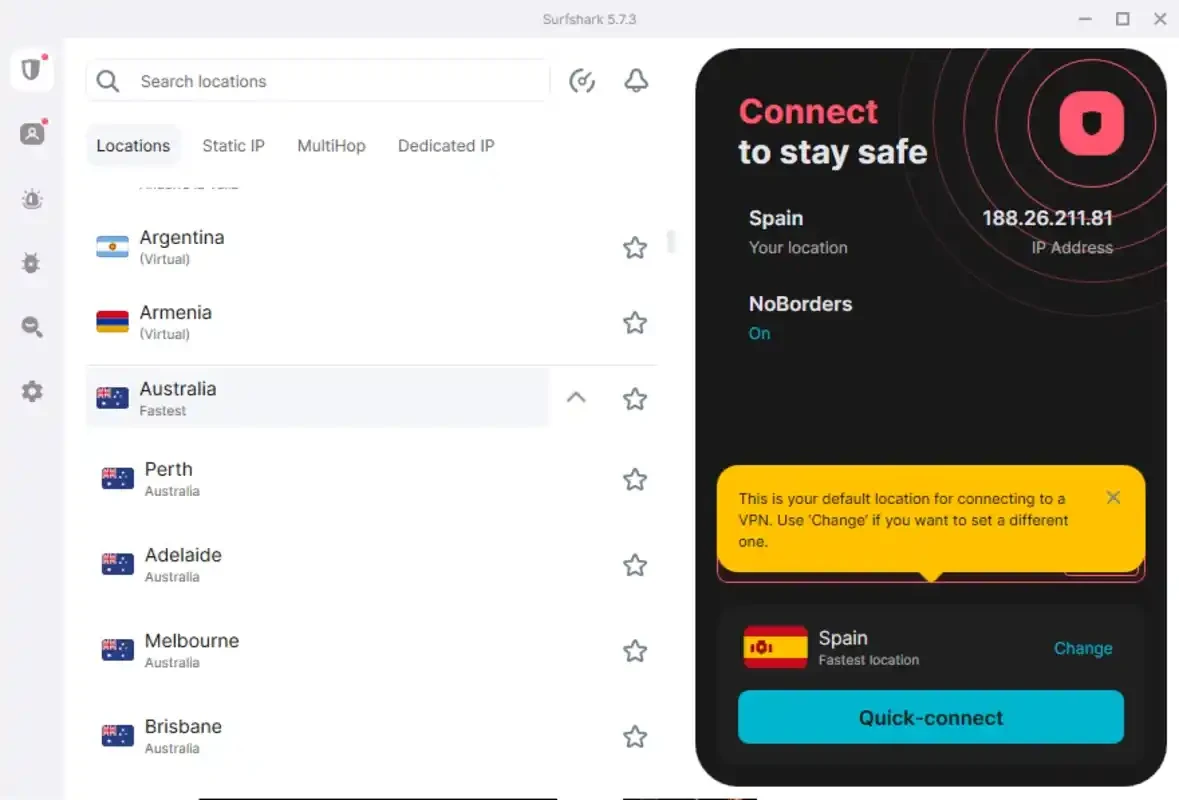
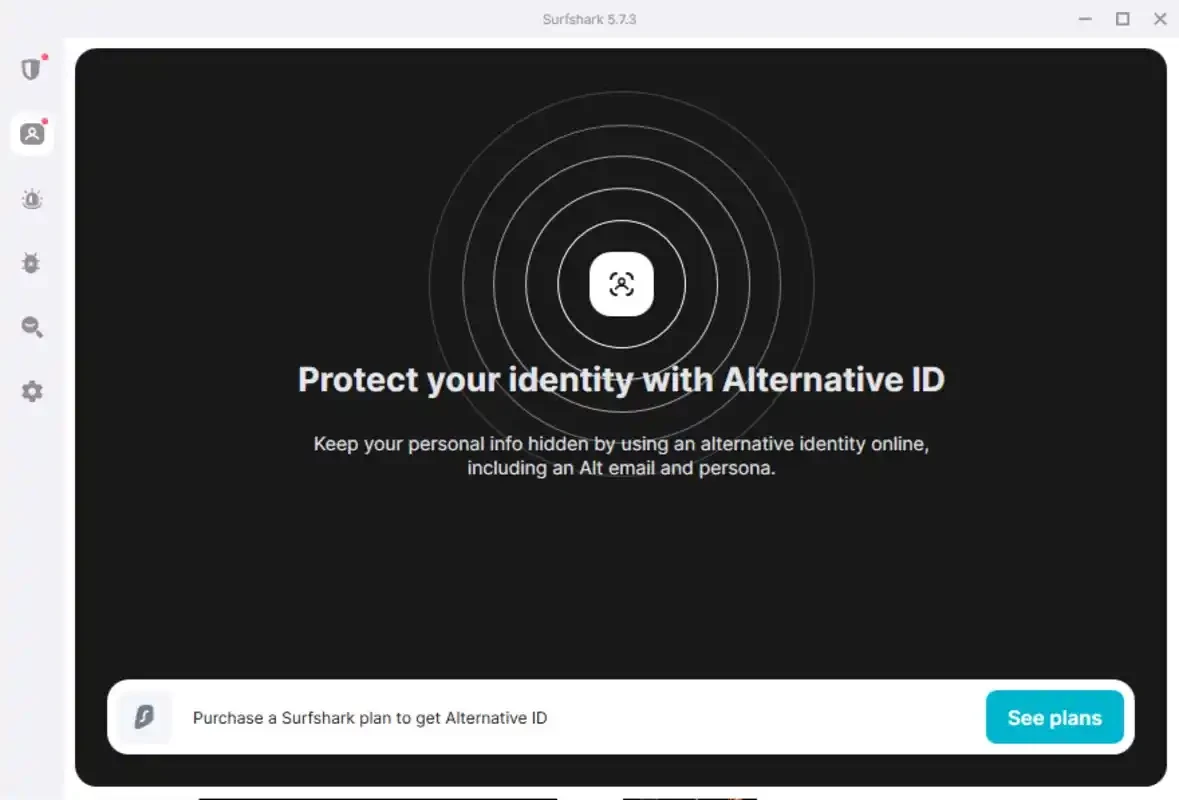
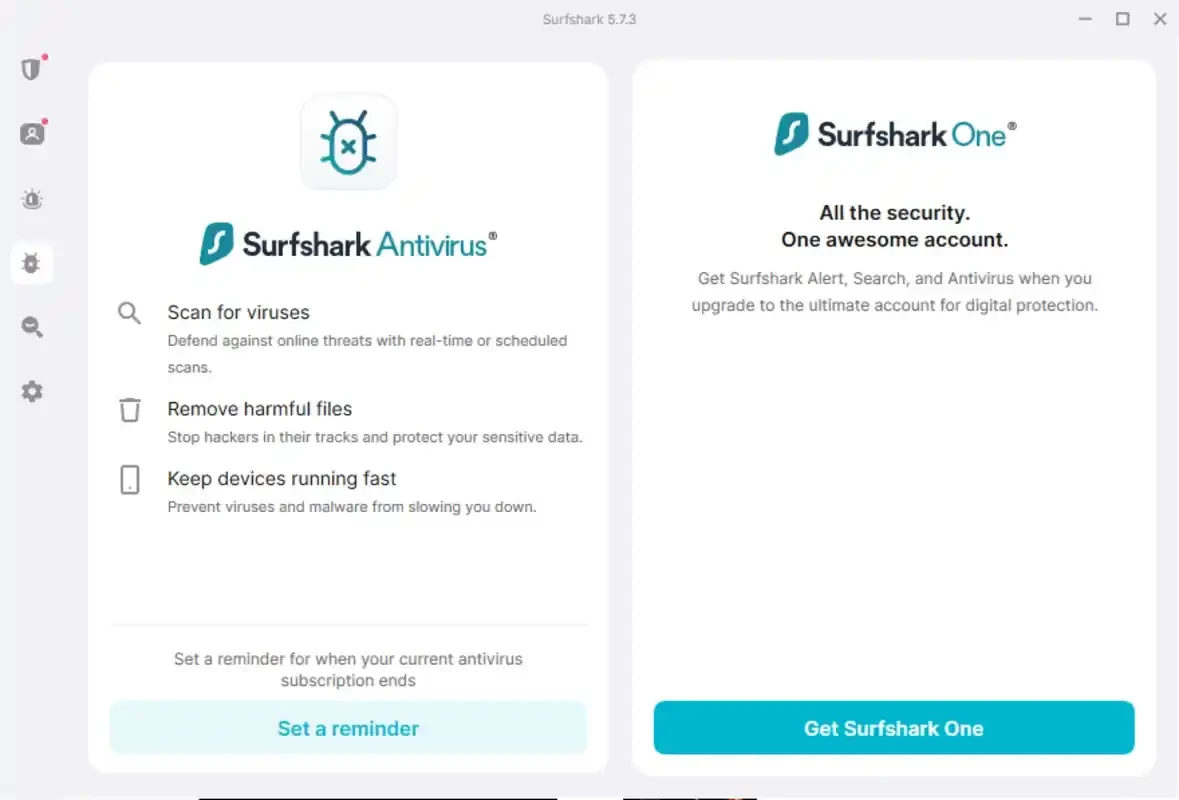
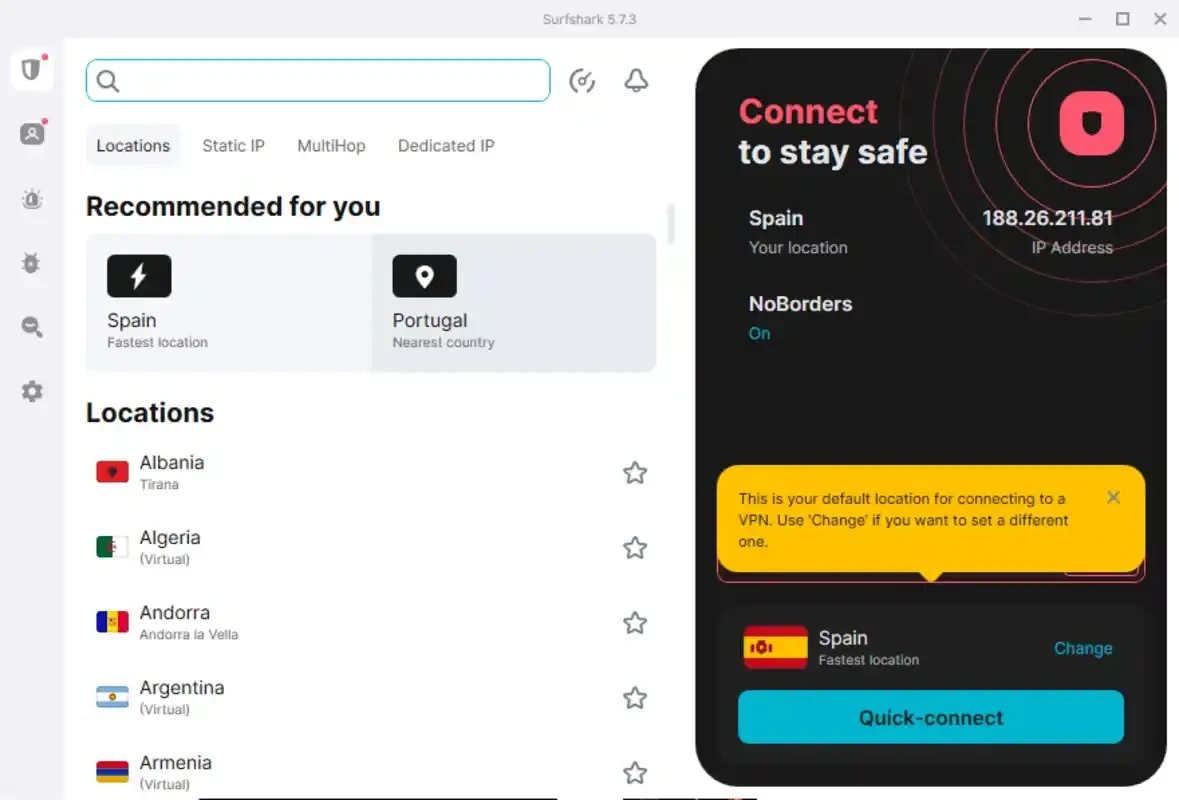
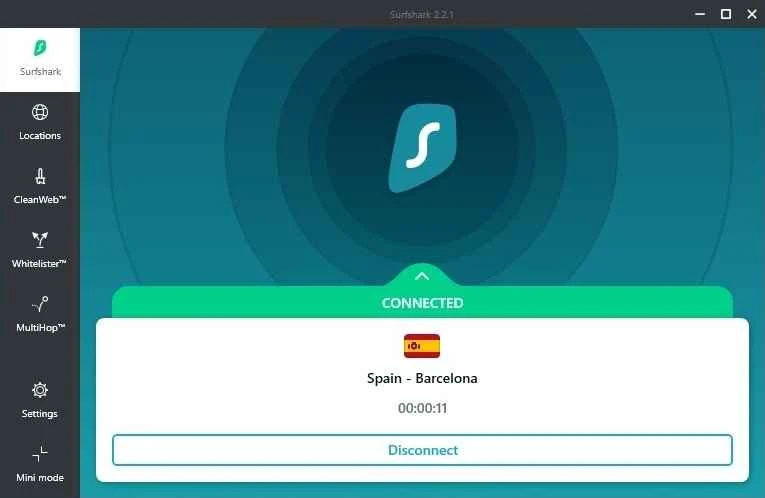
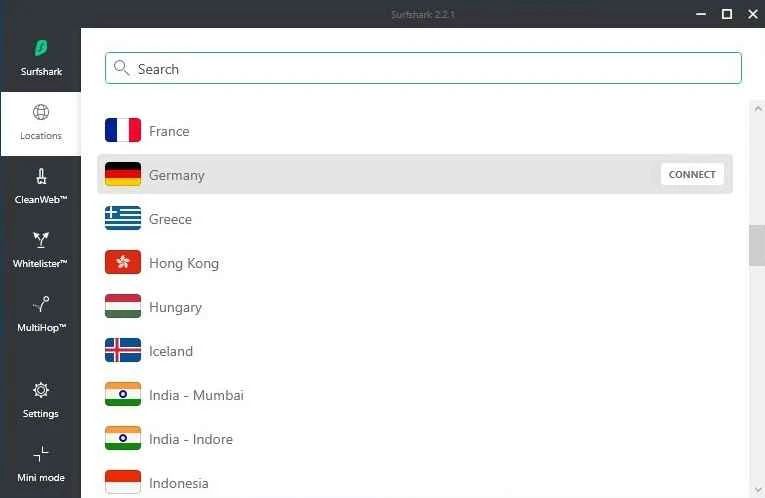
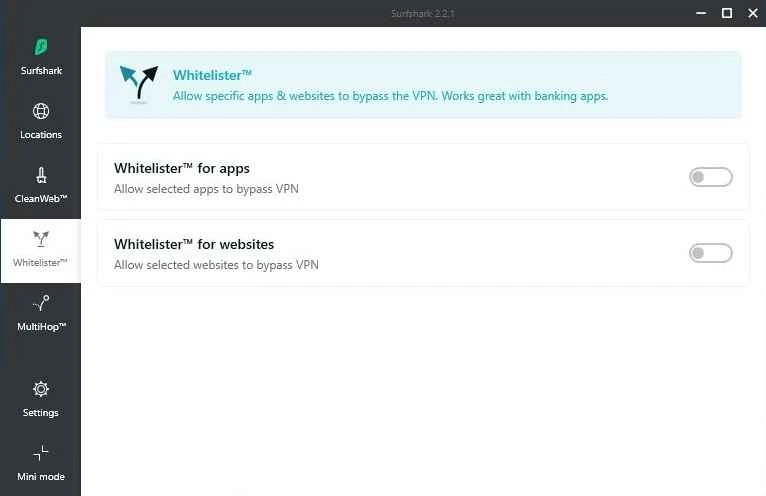
Surfshark 6.19.0.999 for Windows is the desktop app of the Surfshark VPN service. The app is free to download from surfshark.com and runs on Windows 10 and 11, while the VPN itself needs a subscription; this overview explains what you get and how to set it up.
Surfshark is a virtual private network provider founded in 2018. A VPN routes your internet traffic through an encrypted tunnel to one of the provider's servers, so websites see the server's address instead of yours and people on the same network, such as a café Wi-Fi, cannot read what you send. Common reasons to use one are privacy on public networks, keeping your internet provider from logging the sites you visit, and choosing a server in another country when travelling. The Windows app packs this into a simple window: pick a location or let the app suggest one, and click Connect. Surfshark offers apps for Android, iOS, Windows, macOS and Linux, plus browser extensions and TV devices, and one account covers them all. The Windows app is updated often; each release is listed in the public Windows changelog.
Surfshark supports popular Windows versions, including Windows 10 and 11, on both x64 and ARM devices. The installer is about 103.5 MB according to catalogue data. Details are on the official Windows download page.
Download the app only from surfshark.com; fake VPN installers are a common trap. A VPN protects the connection, not your behaviour: you still need strong passwords, updates and caution with links. Check the settings for a kill switch option that blocks traffic if the VPN drops, and turn it on if you rely on the tunnel for privacy.
Set the app to start with Windows if you want protection from the moment you sign in, and choose a nearby server for everyday browsing to keep speeds high. Use a server in another country only when you need it. If a banking site or streaming service refuses to load, disconnect briefly or switch servers rather than disabling your security tools.
The app costs nothing, but using the VPN requires a paid Surfshark subscription; a trial period is available. Longer plans usually cost less per month, so compare the options on the official site before buying.
Other VPN apps for Windows in our listings: NordVPN, ExpressVPN, Proton VPN and CyberGhost. The Android app is available on Google Play, and the main site is surfshark.com.
Mullvad VPN is a privacy-focused VPN provider whose open-source Windows app connects to its servers using an anonymous account number instead of an email.

Proton VPN is a VPN service from Proton AG. The open-source Windows app encrypts your connection and routes it through Proton's servers.

Psiphon is a free and open-source internet censorship circumvention tool for Windows that connects you to blocked websites through its own network.

1111 Warp VPN is Cloudflare's WARP client for Windows, which encrypts DNS and traffic between your PC and Cloudflare's network.

Turbo VPN for Windows is a VPN client from Innovative Connecting that encrypts your connection and routes it through the provider's servers.

Proxifier is a Windows program by VentoByte that sends the network traffic of any application through a proxy server, even if the app has no proxy settings.

VPN Planet is a Windows VPN client from FreeVPNPlanet with a free option, available from its website and the Microsoft Store.

Radmin VPN is a free Windows program from Famatech that connects computers over the internet into a virtual local network, for LAN games and remote access.

v2rayN is a free, open-source Windows GUI client by 2dust for Xray, v2ray and sing-box proxy servers, with subscriptions and routing rules.

Hotspot Shield is a VPN app for Windows that encrypts your internet connection and changes your virtual location.